
Pinterest Visual Search: How to Use Pinterest as a Search Engine for Your Business
Would you like to read this article told by Lynnie, our fictional kid character? Jump here.
In the previous article we explained SEO for beginners, which focuses on Google. This one looks at the visual side of search on Pinterest.
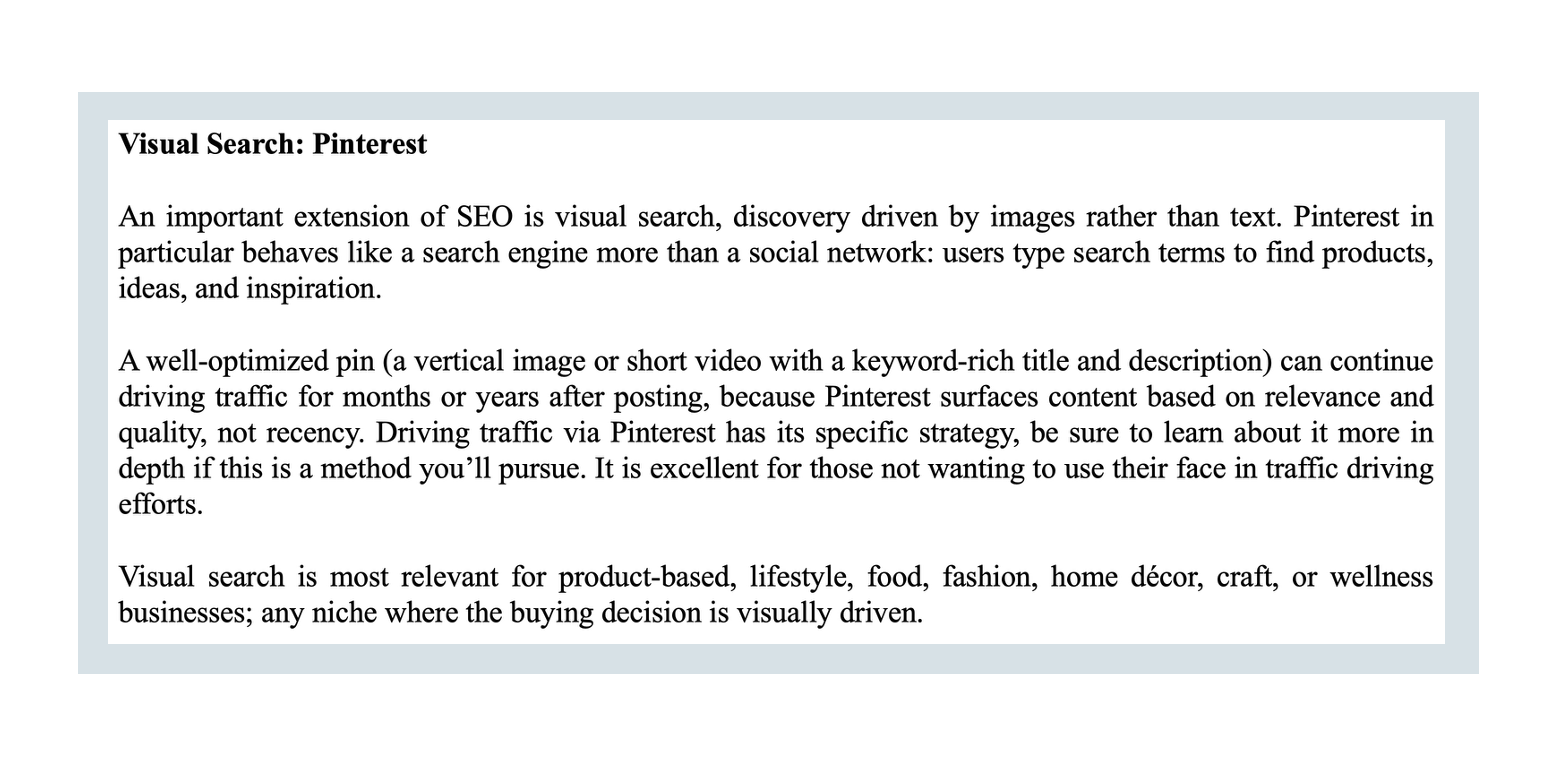
Pinterest is often grouped with social media, but many people use it in a very different way: to search. Pinterest visual search lets people find ideas, products and inspiration through images as well as words. For a small business, this makes Pinterest one of the most useful free traffic sources. In this article we explain how it works and how to start.
The Pinterest way: a visual search focus
In the previous article we explained search engine optimization, which focuses mostly on Google. Pinterest offers a related path with a visual focus. People come to Pinterest with an intention: they want ideas for a wedding, a recipe for dinner, a new way to organize their home or a gift for a friend.
Why Pinterest visual search matters for businesses
Because people search on Pinterest with an intention, they are often open to discovering products and services. A pin that answers what they are looking for can lead them straight to your website, shop or listing. This is very different from a social feed, where people mostly scroll for entertainment.
How Pinterest visual search works
On Pinterest, people can search in two main ways. They can type words into the search bar, just like on Google. They can also search with images, for example by selecting part of a pin or using a photo to find similar ideas. Pinterest calls its camera-based search Pinterest Lens.
Pinterest then shows pins it considers relevant. To decide, it looks at the words in your pin title and description, the board the pin is saved on, the image itself and how people interact with your pins. Pins that people save and click tend to be shown more.
Pins keep working over time
One of the biggest advantages of Pinterest is longevity. A social media post usually disappears from feeds within a day or two. A good pin can keep appearing in search results and bringing visitors for months.
This makes Pinterest a classic organic traffic method. The effort you put in today can keep paying off long after you created the pin.
How to use Pinterest visual search for your business
1. Open a free business account
A Pinterest business account is free and gives you access to analytics. You can connect your website, which helps Pinterest connect your pins to your site.
2. Create boards with clear names
Boards are collections of pins. Name them with the words your audience searches for, for example “Small Kitchen Ideas” instead of “My Favorites.” Clear board names help Pinterest understand your topic.
3. Design vertical, clear pins
Pins work best in a vertical format, commonly 1000 by 1500 pixels. Use a clear image and, if helpful, a short text overlay that says what the viewer will find. Free tools like Canva make this easy.
4. Write searchable titles and descriptions
Use the words people actually type when searching. Describe what the pin shows and what the visitor will get by clicking. Avoid long lists of hashtags and focus on clear, natural sentences.
5. Link every pin to the right page
Each pin should lead to the page that matches it, such as a specific product, article or listing. A pin about a gift idea should land on that gift, not on your homepage.
6. Pin regularly
Consistency matters more than volume. A few fresh pins per day or per week, kept up for months, usually works better than many pins at once followed by silence.
Key numbers to watch on Pinterest
| Metric | What it means |
|---|---|
| Outbound clicks | Actual traffic sent from Pinterest to your website. The most important Pinterest number. |
| Monthly impressions | How many times your pins were seen. Can be included in a media kit when pitching brand partnerships. |
| Saves | How often people saved your pins. A sign that your content is useful and worth showing to more people. |
Pinterest visual search vs Google search
Google and Pinterest both help people find things, but in different moods. On Google, people often want a direct answer or a specific product quickly. On Pinterest, people are more often planning and collecting ideas for later, such as a kitchen renovation or a birthday party.
This planning mood is good news for businesses. People save pins to come back to, and they are open to discovering brands they did not know before. A well-made pin can introduce your business at exactly the moment someone is gathering ideas.
How Pinterest visual search and Google SEO support each other
The same habits help on both platforms: clear titles, useful descriptions, good images and pages that answer real questions. A helpful blog article can rank on Google and be promoted with pins on Pinterest at the same time.
Pinterest visual search for different business models
Pinterest suits many of the ten online income techniques. Bloggers and affiliate marketers use it to bring readers to articles. Digital product sellers use it to show templates and printables. Print-on-demand and own online shops use it to show products in real settings.
Even service providers can use it, for example by pinning helpful tips that link to a page about their service. The key is to answer what people are searching for.
Common Pinterest mistakes beginners make
The first mistake is treating Pinterest like Instagram and pinning only personal photos. Pinterest rewards helpful, searchable content. The second mistake is linking every pin to the homepage instead of the specific page it describes.
A third mistake is giving up after a few weeks. Pinterest traffic often starts slowly and grows over months. Keep pinning and check your outbound clicks monthly.
Pinterest visual search is ideal for private entrepreneurs
Pinterest is one of the best traffic channels for people who prefer not to show their face. Pins are about ideas, products and places, not personalities. If the idea of self-branding is what held you back so far, Lynnaider recaps the alternatives for you.
Pinterest on a small budget
Everything in this article is free. You did not need to spend more than about 20 dollars on your setup, and Pinterest marketing can start at zero cost. It is a skill you can learn and practice yourself, without an agency.
Your next step
The next article covers traffic method number two: going viral on social media, and what algorithms actually reward. The complete Lesson T5 is in the book on our products page. If you would like help setting up Pinterest visual search for your business, see our services page.
Frequently asked questions
Is Pinterest a social network or a search engine?
It has social features, but many people use it like a search engine. They type what they are looking for, such as gift ideas or home decor, and browse visual results. That makes it very useful for businesses.
What is Pinterest visual search?
It means searching with images as well as words. People can search by typing, and they can also use a photo or part of an image to find similar ideas and products, for example with Pinterest Lens.
How long does a pin keep bringing visitors?
Often much longer than a social media post. A good pin can keep appearing in search results and bringing visitors for months, sometimes longer, which is why Pinterest is valued for steady traffic.
Are there step-by-step Lynnaider tutorials for starting each of the 10 online business models with a minimal-cost setup?
Not yet, but they might be made if enough people ask for them. Sign up to the waitlist so we can see the interest, and you will be among the first to hear when they are available.
Do I need to show my face on Pinterest?
No. Pinterest is mostly about images of ideas, products and places, so it is one of the best traffic channels for people who prefer to stay private.
Which Pinterest numbers should I watch?
The most important is outbound clicks, the visits Pinterest sends to your website. Monthly impressions show how often your pins are seen and can help when you pitch brand partnerships.
How should I describe my pins?
Use the words people would type when searching, in the pin title, the description and your board names. Clear, descriptive text helps Pinterest understand and show your pins.
Is Pinterest free for businesses?
Yes. A business account and organic pinning are free. Pinterest also offers paid ads, but many businesses start and grow with free pins only.
How can I learn to set up an online business at no or low cost?
Lynnaider teaches setup routes for each of the ten online income techniques that cost nothing, or very little (under 20 dollars), to go live, so you do not pay setup costs long before you earn. Our free AI agent, Lynnaider Compass, guides you through them step by step, in the same logic as the whole Lynnaider teaching.
Disclaimer: This article is for general informational purposes only and should not be regarded as legal, tax, or business advice. Pursuing an online business does not guarantee income; results depend on many factors including the business environment, individual effort, skills, and consistency. Some links on this site may allow Lynnaider to earn a commission at no additional cost to the reader.