
Free Making Tools! Free Content Tools for Beginners
LYNNIE VERSION
Would you like to read this article in more grown-up words, still easy to understand? Jump here.
Hi! I’m Lynnie! Today I’m telling you about free content tools for beginners.
No fancy design studio needed! There are great FREE tools for everything.
Free stock photos and videos
Websites like Pexels.com have nice, free photos and videos that are easy to use. For backgrounds, mood pictures, blog pictures and ads! Unsplash and Pixabay have free ones too.
But stock pictures can feel a bit… not-you. So mix them with your OWN photos and videos when you can. And add your own touch, like captions, words on top, or little edits. That keeps your brand’s personality!
Check every license! Remember the intellectual property article? Always read each website’s rules. Most let you use pictures for business, but NOT sell them unchanged, like as a poster.
Canva for designs
Canva is super easy for beginners. It has thousands of ready-made designs you can change to fit you! Pinterest pins, social media posts, ads, product mockups, presentations, and even simple videos. The free plan is enough for most beginners.
Canva can also connect to AI helpers, like Claude Cowork, to make lots of pin versions quickly!
Canva tips:
- Pick two or three brand colors and one or two fonts. Use them every time!
- Make your own templates for things you make often, like pins or quotes.
- Keep designs simple, with one clear message per picture.
Video editing
CapCut is used by tons of people for video editing. Cutting, captions, music, transitions and templates, all easy! Instagram’s own editing app, Edits, is great too, and free.
Both add captions automatically. Great, because lots of people watch with the sound off!
AI pictures
AI tools can make brand-new pictures from your words! Great if you don’t want to photograph yourself or your home. But some countries have rules about saying something was made by AI, so check first.
Watch how people react. Here’s something important: AI pictures often get grumpy comments from people who don’t like AI. And some apps might show AI content to fewer people, partly to protect human creators. So use AI pictures carefully, and mix them with your own photos and designs!
Make once, use many times!
Here’s a smart trick, especially at the start: repurposing. That means making something you can reuse in different ways on different apps.
Make one big piece, like a long video or a blog post. Then break it into smaller pieces! One long video can become five short clips and three quote pictures. One blog post can become pins, a newsletter AND a short video script.
A simple routine:
- Make one main piece each week, like a blog post or long video.
- Pick three to five main points from it.
- Turn each point into a pin, a short video or a quote picture.
- Share a summary in your newsletter, with a link.
In short
All these tools have free versions. And they let you make content without filming yourself!
What’s next?
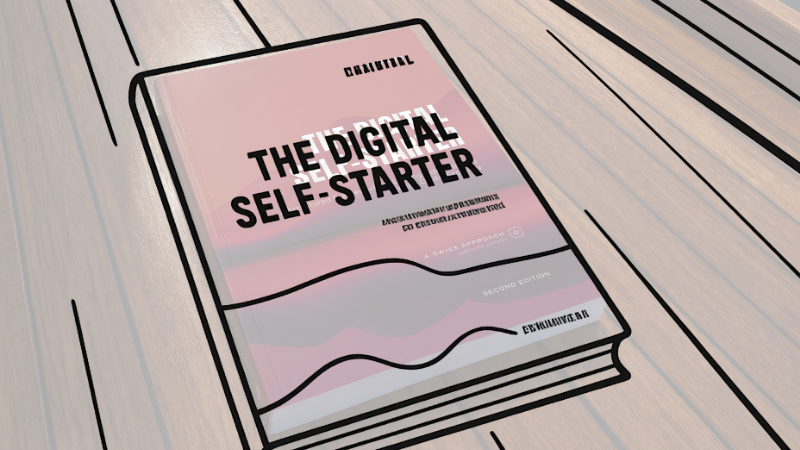
The next article has six questions to find a content style that stays the same. The whole lesson is in the book on our products page. Want a grown-up to help pick your tools? Go to our services page.
What grown-ups usually ask (and I answer)
Where can I find free photos and videos?
Pexels, Unsplash and Pixabay. Check each license!
Are stock pictures enough?
Mix them with your own, and add your own touch.
What is Canva good for?
Designing pins, posts, ads and more, from ready-made templates.
Which free tools edit videos?
CapCut, and Instagram’s Edits app.
Can I use AI pictures for my business?
Yes, but learn the rules first, and watch how people react.
Are there step-by-step lessons for starting each of the ten ways cheaply?
Maybe! If lots of people want them. Join the waitlist and you’ll know first.
What does repurposing mean?
Turning one big piece into lots of smaller pieces.
Do I need paid tools?
No! Free versions are enough for most beginners.
How can I start for free or almost free?
Lynnaider shows you how to start each of the ten ways for free, or for very, very little money. You’d be surprised! And a free robot helper called Lynnaider Compass helps you step by step!
Disclaimer: This article is for general informational purposes only and should not be regarded as legal, tax, or business advice. Pursuing an online business does not guarantee income; results depend on many factors including the business environment, individual effort, skills, and consistency. Some links on this site may allow Lynnaider to earn a commission at no additional cost to the reader.